
eBay item photo background remover
The first photo is a search thumbnail. Put the item on white and let it fill the frame so buyers can see exactly what they are clicking.

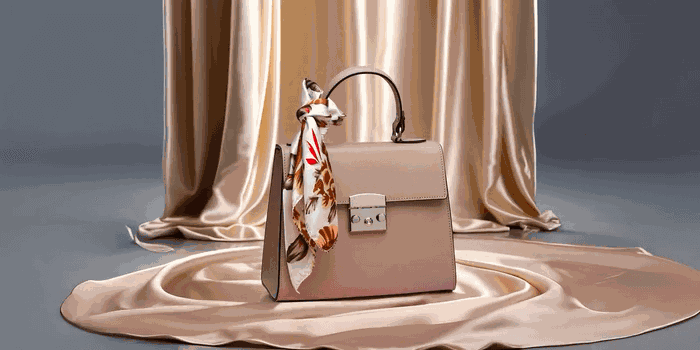

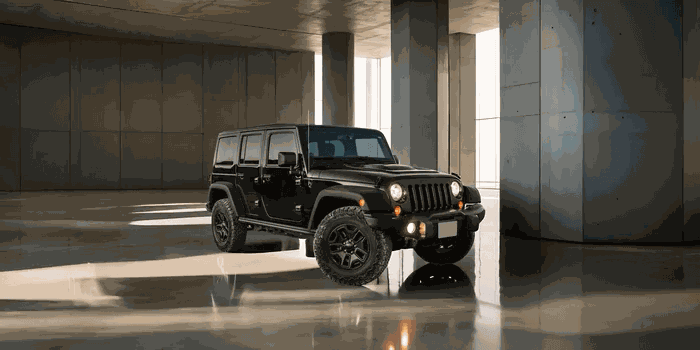
eBay lets you upload up to 12 photos, but the main image is the one buyers judge in search results. A plain white background with the item filling most of the frame performs best and matches eBay’s own guidance.
Remove the background from a snapshot on your kitchen table and place the item on white so it looks like a proper listing photo. Keep the transparent PNG if you want to add a subtle shadow in your editor.
Do a run of similar items in bulk and keep the presentation identical across your listings.
How it works
Upload your image
Drag a file in, paste it, or pick one of the samples. JPG, PNG and WebP up to 20MB.
We remove the background
The subject is cut out automatically — hair and fine edges included — in seconds.
Download or recolour
Keep it transparent, drop it on a solid colour, and download a crisp PNG.
Frequently asked questions
Yes. There is no credit system, no watermark and no account required. You can process images one at a time or in bulk, for free.
JPG, PNG and WebP up to 20MB per image. Results download as PNG with an alpha (transparent) channel. Very large photos may take longer in local mode on older phones.
Open the Bulk Remover, drop up to 30 images, and each result updates live. When the batch is done, download everything as a single ZIP — or grab images individually.
Keep going
Have more than one image?
Drop a whole folder into the Bulk Remover and process dozens of photos in one run — still free, still processed on your own device.